TrueROAS for Agencies: Unified Attribution and White-Label Reporting for Client Stores

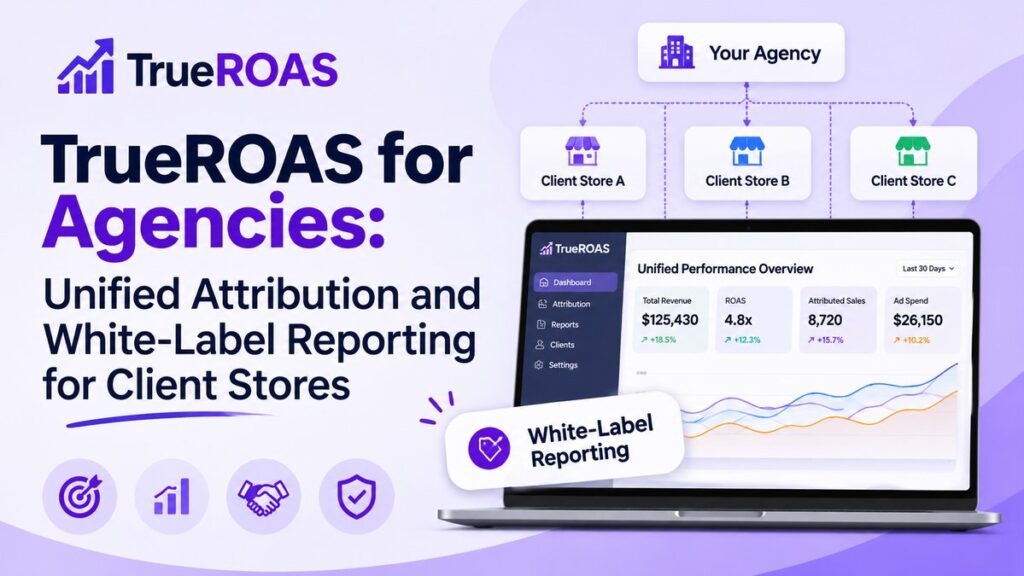
How agencies can use TrueROAS to track multiple e-commerce clients, build white-label reports, and prove ad performance with order-level attribution.
Running paid ads for several e-commerce clients means juggling many dashboards, many ad accounts, and many conversations about whose numbers are right. TrueROAS includes features and pricing aimed at agencies that want one consistent way to report results.

The Agency Reporting Problem
Clients usually compare your report with their Shopify dashboard. When the two disagree, trust suffers, even if your campaigns are performing. Agencies need a source of truth that ties ad performance to actual orders and that can be shared easily.
Order-Level Attribution You Can Defend
TrueROAS links each conversion to its exact order number in the client’s store. That means when a client questions a number, you can trace a conversion back to a specific order and show the journey behind it. This makes reporting conversations more factual and less defensive.
Manage Multiple Stores
The unified ads manager shows all ad platforms in one interface and lets you switch between stores and ad accounts in two clicks. All plans include unlimited stores, ad spend, and pageviews, which suits agencies with a broad client list.

White-Label Reports and Dashboards
The AI Dashboard Builder creates recurring-report dashboards in one click and can share them with team members and clients. The features page notes white-label reports for agencies, so clients can receive reporting that looks like it comes from you.
Better Data Back to Ad Platforms
With Facebook CAPI and Google Enhanced Conversions, TrueROAS sends enriched conversion data back to the platforms using order-ID matching. Better signals can support campaign optimization, which is useful when you are accountable for results.
Agency Pricing
TrueROAS offers partner pricing from $50 per client store per month, with a minimum of 5 stores. Brands spending $50k or more per month on ads can ask about custom pricing, priority support, and a dedicated account manager. Pricing changes over time, so confirm the current terms with TrueROAS.

Practical Ways to Use It
- Onboarding: Connect a new client’s store and ad accounts, then verify the first week of data against Shopify orders
- Monthly reviews: Use journey and LTV reports to show which channels bring valuable customers
- Creative testing: Share creative analysis to justify which ads to scale
- Budget calls: Use the side-by-side channel view to explain reallocation decisions
Things to Keep in Mind
Results can take up to 48 hours to appear after installation, and no attribution tool removes every tracking gap. Set that expectation with clients early, then let verified order data do the talking.
Next Step
If your agency wants simpler, more credible reporting, explore TrueROAS for your client stores and test it on one account first. You can also book a call with the TrueROAS team to discuss agency volume.



Join the discussion